
Growth stalls on management, not on lack of work
A construction company rarely stops growing because there is no work. More often the owner can no longer keep up. Information about what happens on site passes through one person, and as long as they can visit every site, that works. Once there are more sites than days in the week, the evenings go into compiling invoices and making phone calls.
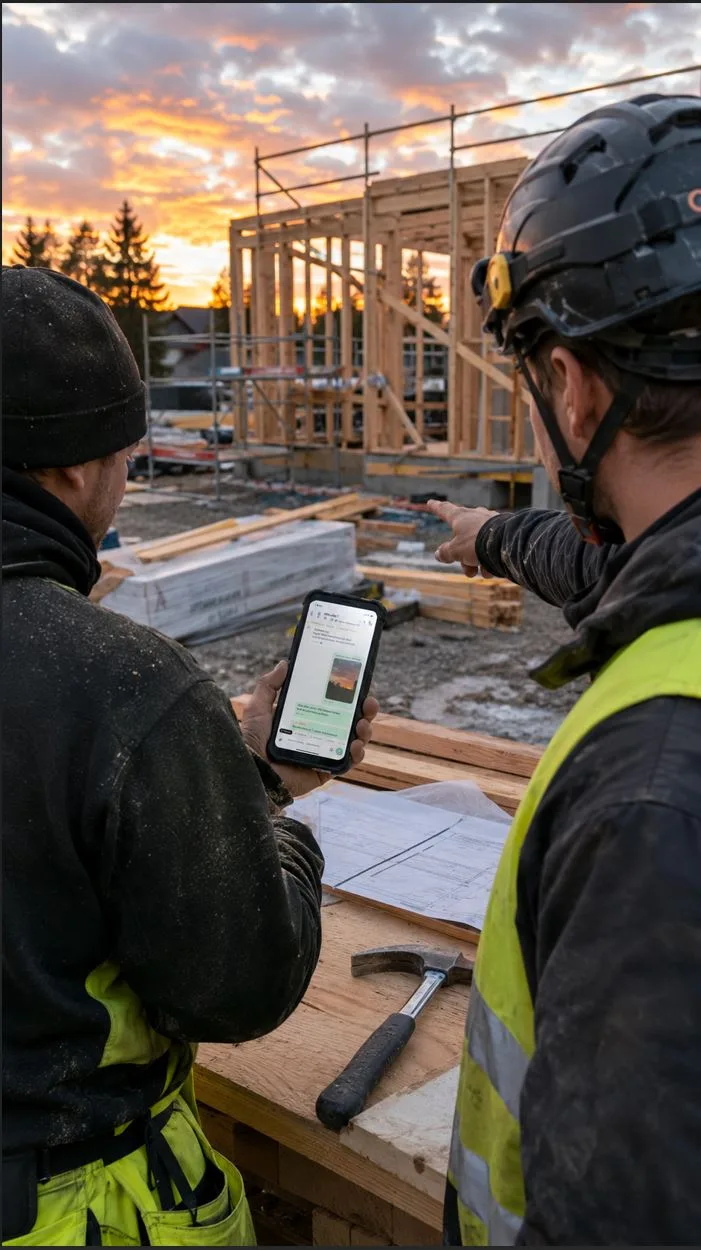
To a small construction company, ERP sounds big, expensive and difficult. In practice a construction ERP is a phone app for the site and a browser view for the office. Hours, quotes, extra work, photos and invoices sit in one place instead of five different tools.
This article works out when a system pays for itself, which signs show it is needed, and how to roll it out without stopping the sites.
What the system actually replaces
A small construction company usually already has a system. It is just scattered:
- hours on slips, in a notebook or as WhatsApp messages on Friday
- quotes in Excel templates, each a copy of the last one
- extra work in phone calls and chat threads
- photos on workers' phones
- receipts in an envelope or the glovebox
- invoices in an invoicing program, typed in by hand from all of the above.
Each of these works on its own. The problem is at the joins: the person invoicing asks for the hours, the supervisor asks for the photo, the owner asks whether that extra work was agreed. The benefit of an ERP is not that any of these is done more elegantly. It comes from information being recorded once and flowing from the quote to the project, from the project to the invoice, and from the invoice to the accounts.
What breaks at each size
On your own or with one other. Everything fits in your head, but quotes and invoicing eat evenings. The benefit comes from quoting, recording hours against the project, and having photos and extra work under the site instead of in a camera roll. The office is the owner, so every evening saved is their own.
Three to five people. The first pain point. The owner is no longer on every site, and information starts to travel as stories. Invoicing slips because the details have to be asked for, and the first extra work goes unbilled.
Six to ten. Site management separates out. Now there are people who need information but cannot reach it, because it is in the owner's head. Each supervisor builds their own way of working, and comparing the profitability of sites becomes impossible.
More than ten. Subcontractors, site access control, construction reports and tax numbers come into play. Without a shared system, compiling these every month is a job of its own.
Something different breaks at each stage. So rather than asking "when should we get a system", the better question is what in the company does not scale right now.
Three signs you have hit the limit
Invoicing is late. An invoice needs to know what was done and how much. When the owner is not on site, that has to be asked for, and the asking moves to the evening. Cash flow slows just when growth ties up money, and some work never gets invoiced at all.
You cannot know a project's status without a call. Can you say right now how many hours have gone into the current contract and how much of the budget is left? If not, the information is in people rather than in the company. It disappears with holidays, sick leave and resignations.
The same job is done in different ways. One supervisor writes hours in a notebook, another on a phone, a third remembers. While the sites go well, it does not matter. When you need to find out which site was more profitable and why, there is nothing to compare.
The numbers: when the system pays for itself
Take a six-person construction company with about ten sites a year and turnover of around 700,000 euros.
What the system costs. The FiSAS Builder plan includes four users for 119 euros a month, and two extra users cost 10 euros a month each. That is 139 euros a month, about 1,670 euros a year excluding VAT on annual billing.
Unbilled extra work. If one 400-euro extra job goes unbilled on every second site, that is 2,000 euros a year. This is a cautious estimate. Many owners recognise sites where more than one extra job went unbilled.
Unrecorded hours. If each person leaves half an hour a week unrecorded and the hourly rate is 55 euros, that is around 7,400 euros a year of unbilled or misallocated work for six people. On fixed-price contracts the amount is not direct invoicing, but it shows up in the pricing of the next quote.
The owner's evenings. If compiling invoices, chasing hours and copying quotes takes five hours a week and the system halves that, the saving is about 110 hours a year. That time usually comes out of selling.
Pricing accuracy. When actual hours are known by work phase, the next quote is priced on data rather than on feel. One percentage point better margin on 700,000 euros of turnover is 7,000 euros a year.
A single billed extra job per quarter covers the system's annual cost. The rest is margin, time and more accurate quotes. For a ten-person company, the Master plan costs 199 euros a month for ten users, and the same calculations are proportionally larger.