
Project management
The FiSAS project view shows every site's status in real time. A Gantt chart, cost tracking and a task list keep the project under control.
Try for freeSchedules, costs and site status in one place.
- Gantt chart for project scheduling
- Cost tracking against budget by cost code and cost type
- Task lists for the team
- Multiple projects at once
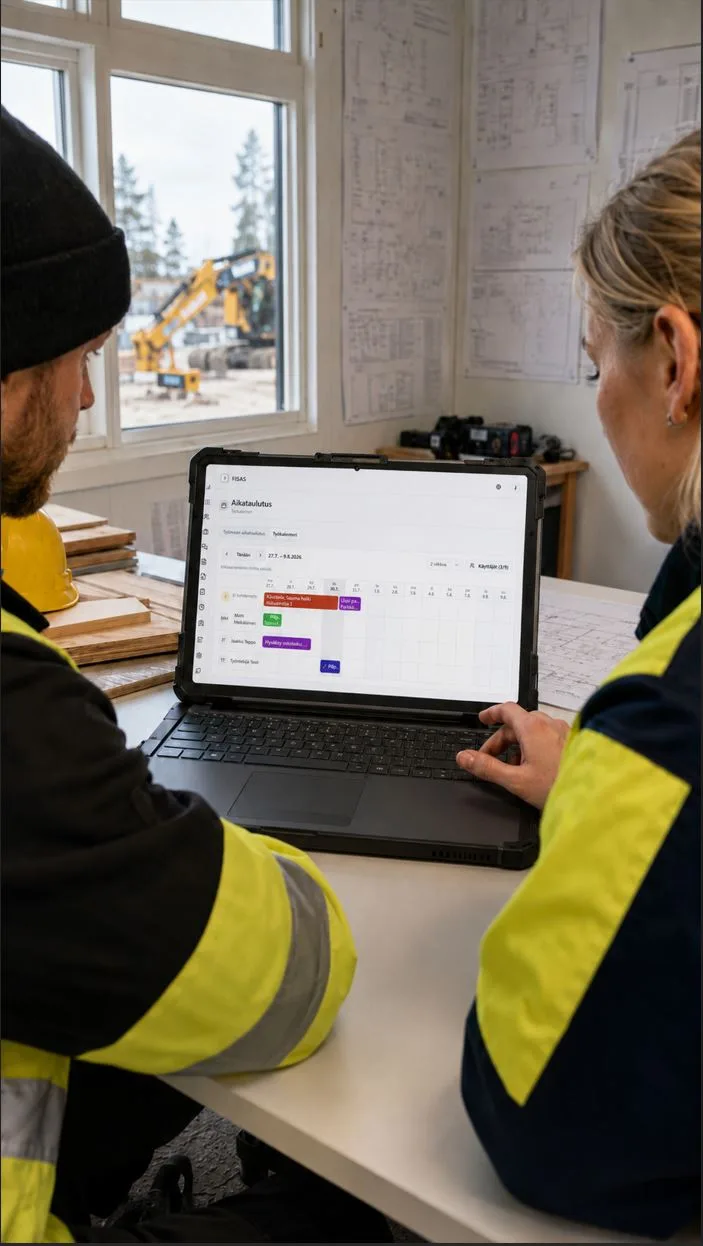
REAL-TIME DATA
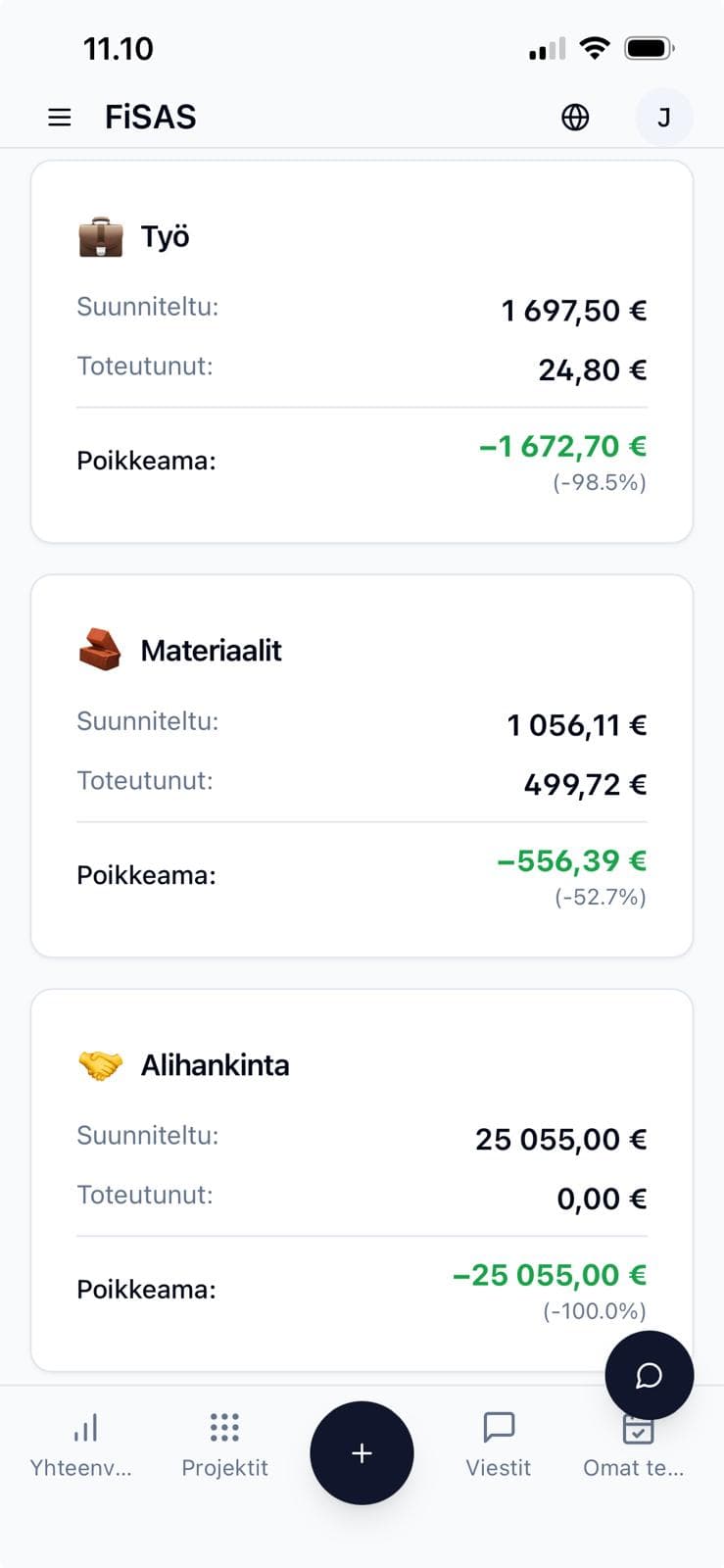
COST TRACKING
Budget vs. actuals for every project, following the structure of the approved quote. You choose the tracking level: costs are allocated to quote rows, cost codes or the top level, and time entries and purchase invoices can use different levels. At every level, labour, materials, subcontracting and other costs are shown separately, variances in euros and percentages, and items over or approaching budget stand out at once. Project margin and unbilled work update as hours are logged and purchases are made. No more monthly surprise calculations.
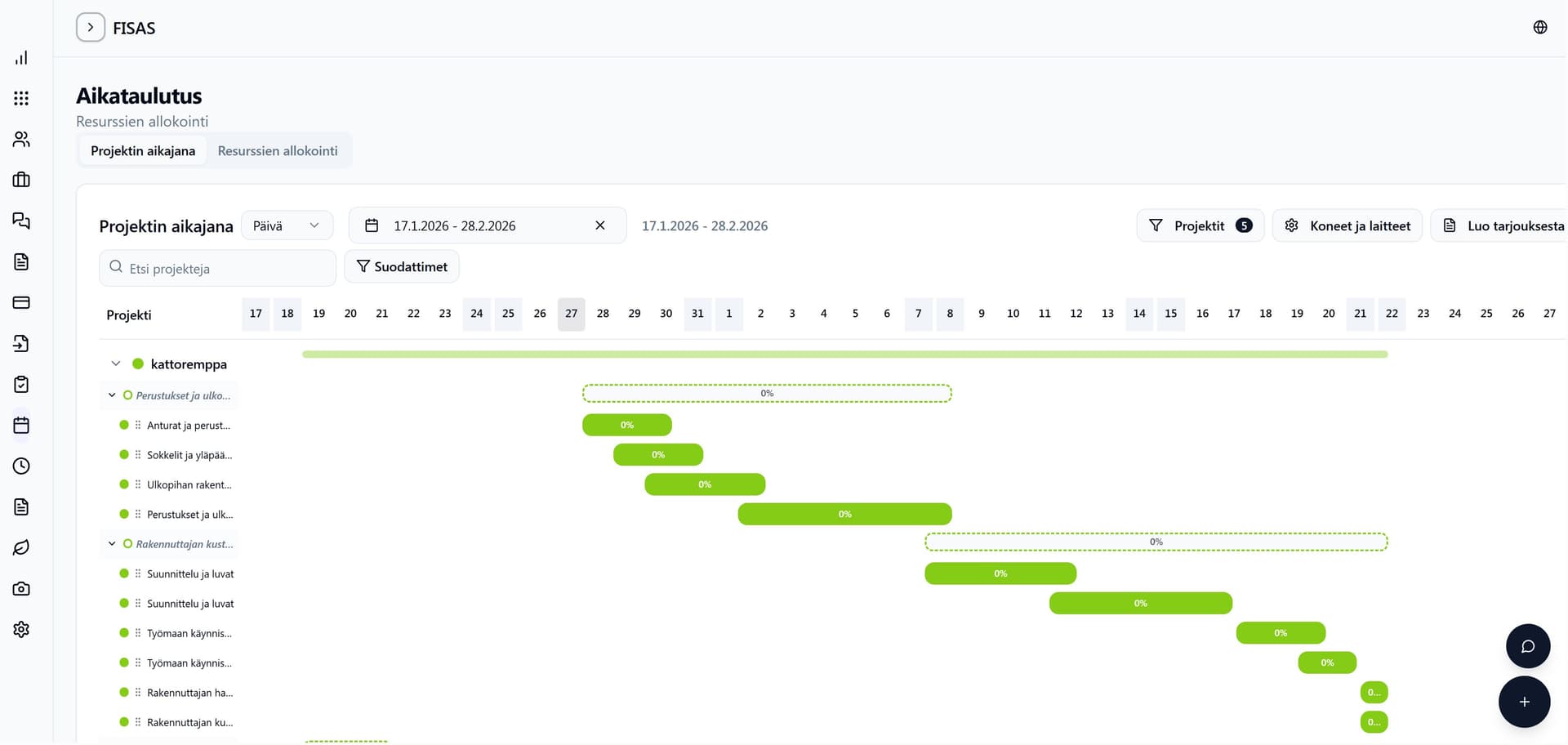
SCHEDULING
GANTT AND TASKS
The Gantt chart shows the project's progress visually. Task lists, site diaries and checklists keep everyone aware of what is being done and when. Changes update for everyone instantly.
Try project management for free
14 days free, no payment details, no commitment.
Frequently asked questions
How many projects can be managed at once?
No limit. All plans support an unlimited number of projects.
Which plan includes the Gantt chart?
Gantt scheduling is included in the Builder and Master plans.
Can costs be tracked by cost code?
Yes. The budget follows the structure of the approved quote, and you choose the tracking level yourself: quote rows, cost codes or the top level. The levels come from the structure of your package library. Time entries and purchase invoices can use different levels, and at every level costs are split into labour, materials, subcontracting and other costs.
Other features
Cost estimation
AI drafts the quote from your drawings for you. You review it, price it with your own rates and win more contracts.
Drawing measurement
AI takes off the quantities from your drawings for you. You review them, and they go straight into the quote.
Invoicing
Invoice your projects fast. The invoice is created straight from logged work or by payment instalments.